Interactive Brokers, Untangled — Part 1: Account, Username, Market Data
Interactive Brokers gives you a few things that look like one thing. The account, the username, the market data subscription — they sound so close that it's easy to treat them as a single idea, and that's where the mix-ups start.

TL;DR
- Account: holds money, positions, orders, and trading permissions. Live account numbers start with U, paper with DU. Not a login.
- Username: the login, with its own access rights (trade, withdraw funds, view). Rights sit on the username, not the account.
- Live accounts allow two usernames, paper allows one. The same username can't be logged in from two places at the same time.
- Market data subscription: attaches to a username and is billed per username. A paper account borrows a single-seat subscription from a live username, and the two can't use that borrowed data at the same time.
The account
The account is the financial container. It holds your cash, your positions, your orders, and your fills. It also holds your trading permissions — which products and which markets you're cleared to trade.
Anything that means money or risk belongs to one specific account. A position sits in an account. An order goes into an account. Your fills are that account's history. There's never any question about which account something belongs to — there's always one clear answer.
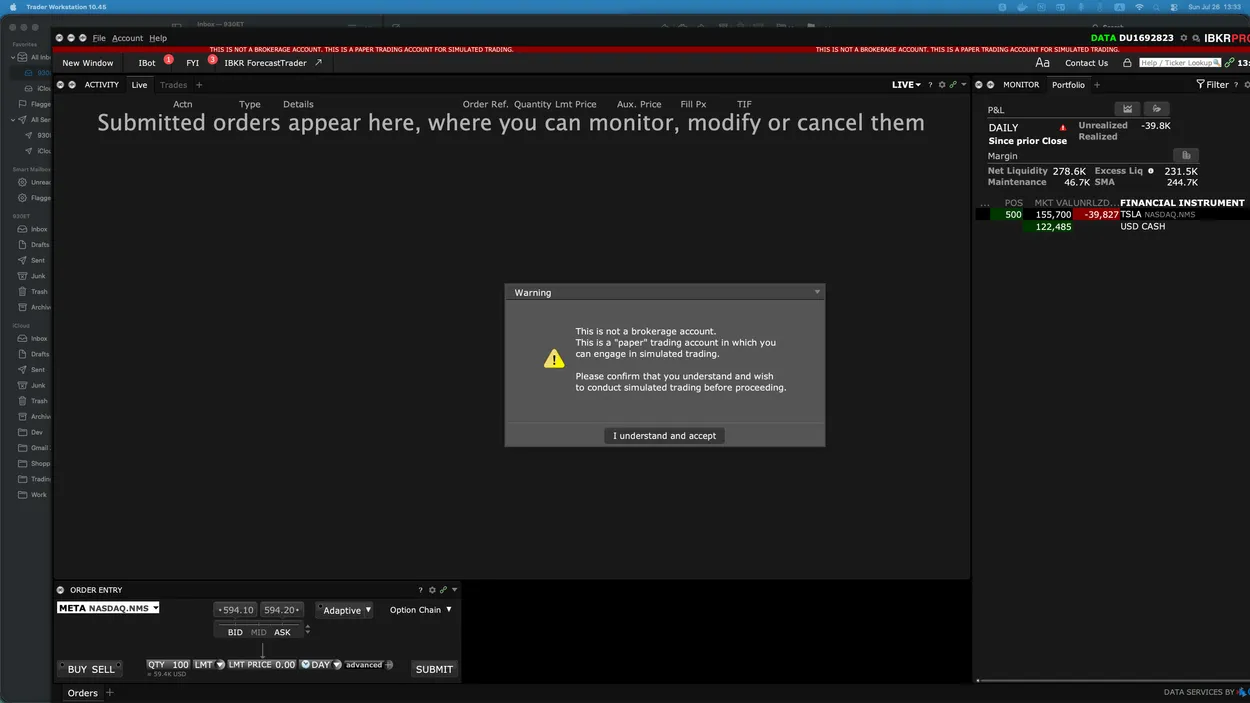
A retail customer gets two accounts: one live, one paper. They're fully isolated — nothing crosses between them. Every account has a number, and the first letters tell you the type. Live numbers start with U. Paper numbers start with DU. Institutional and other account types have their own prefixes.
One thing the account number won't do, though: log you in. It looks like a credential, but it isn't one.
The username
The username is the login: a name and a password. You type it into TWS or the web portal.
A username belongs to an account. Log in with it, and you're looking at that account. Straightforward enough. One rule about the login itself: the same username can't be signed in from two places at the same time.
The username also carries its own access rights. One username might be allowed to trade and withdraw funds. Another might only view. Those rights live on the username, not on the account. And because they live there, a single account can be reached through more than one login, each with its own level of access. The account holds the money; each username is a door into it, and every door has its own key.
This is also where live and paper start to behave differently. A live account starts with one username and lets you add a second, for two in total. A paper account has one username, and that's it — no second one.
The market data subscription
A market data subscription is an entitlement: real-time quotes for a given exchange or product set. It has nothing to do with your right to trade. You can place orders with no subscription at all, and many people do — they take quotes from another provider and use Interactive Brokers only to route orders. That's a perfectly good setup.
What the subscription buys you is the data. If you want TWS to show live prices, or you want real-time quotes over the API, you subscribe. Without it, the prices you see there are delayed. And the day you start taking market data from Interactive Brokers, you take on its hierarchy too — so here's how that part works.
The subscription attaches to a username, not to an account — and only to a username on a live account. You subscribe on that username, and that username gets billed. A second username on the same account doesn't inherit it. If both logins on one live account need real-time data, both subscribe, and both get billed.
A paper username can't hold a subscription of its own. What it can do is borrow one from a live username, and you choose which live username it draws from.
Here's the part that trips people up. A borrowed subscription is a single seat. It serves one session at a time. While the paper session is using that data, the live username it borrowed from can't use the same data at that moment — and it works the other way around too. Both usernames can be logged in at once; they're different usernames on different accounts, so that's fine. What they can't do is draw on that one subscription at the same time. Try to grab data another session is already holding, and you'll hit the error.
Putting it together
Here's a setup you see often, and it uses all three pieces at once. Two usernames on one live account: Alpha and Beta. You log into TWS with Alpha to watch positions and orders. Beta is the API login — your trading code connects with it, sends orders, and pulls the data it needs. Both are connected at the same time to the same account, so whatever the API does through Beta shows up in TWS under Alpha right away — orders, fills, positions, cash balance. There is one account state, and both usernames look at it.
The market data subscription sits on Beta, because Beta is the one that trades on real-time quotes. Alpha has no market data subscription of its own, so the prices Alpha sees are delayed. Everything else stays live: account state comes from the account, not from a data feed.
Now bring in the paper username Charlie, set to draw its market data from Beta. That works, but it's one seat. If Charlie takes the data, Beta doesn't have it, and Beta is the username actually placing orders. So in practice you run the paper session when the live API session isn't working.